
Ever stared at a quote for a new website and wondered why the numbers swing so wildly?
You’re not alone – most Aussie small‑business owners feel a pinch when the first estimate lands on the desk. In this guide we’ll pull back the curtain on website design cost so you can budget with confidence and dodge nasty surprises.
First off, let’s admit the elephant in the room: every project is a little different. A simple brochure‑style site for a local café will cost far less than a full‑blown ecommerce store selling wholesale goods across Queensland. That’s why the headline figure you see online can feel like a mystery box.
Think about the last time you bought a ute. You didn’t just pay for the metal; you paid for the engine, the paint, the warranty, maybe even a few add‑ons you didn’t realise you needed. Website design cost works the same way – it’s the sum of design, development, content creation, hosting, and ongoing support.
Here’s a quick sanity check: a basic site built on a DIY platform might start around A$500, but you’ll likely spend extra on a professional logo, SEO tweaks, and a domain name. A custom design from a seasoned agency (or a service like Free Website Chick) can land between A$3,000 and A$8,000, depending on features, integrations and the amount of copywriting required.
So, where do you draw the line? Ask yourself three questions: 1) What’s the primary goal – brand awareness, lead capture, or sales? 2) How much traffic do you expect in the first six months? 3) Do you need ongoing updates or can you manage the site yourself after launch? Your answers will shape the budget and keep the website design cost realistic.
Bottom line: don’t let a vague price tag scare you off. Break the cost down into bite‑size pieces, match each piece to a clear business need, and you’ll have a roadmap that feels manageable rather than mystifying.
Ready to demystify the numbers and take the next step?
🐣 The Chick
If you’re a small Aussie business wondering why website design cost can swing from a few hundred to several thousand dollars, know that it boils down to the pieces you need – design, development, copy, hosting and ongoing tweaks.
Break the total into bite‑size items, match each to a clear business goal, and you’ll see a realistic budget that lets you launch confidently without surprise fees.
Before you even think about a line item on the quote, pause and ask yourself what you really want your site to achieve. Is it to get more local foot traffic to your Brisbane café, to capture leads for a wholesale distribution business, or to sell a handful of handcrafted goods online? Pinning down the core purpose turns a vague “website design cost” number into a meaningful investment.
And here’s a little trick we use at Free Website Chick: write down the top three outcomes you expect in the first six months. Maybe it’s 50 new newsletter sign‑ups, a 20% lift in phone enquiries, or A$5,000 in e‑commerce sales. When you can quantify the goal, you can also attach a realistic budget to each outcome.
Think of your budget like a grocery list. You have staples – the design and development foundation – and then the extras: custom graphics, copywriting, SEO tweaks, and ongoing support. Break the total down:
By assigning a dollar range to each bucket, you can see where you might need to flex. For instance, if your primary goal is lead capture, you might allocate more to a high‑converting landing page and less to e‑commerce bells and whistles.
But what if you’re not sure how much to set aside for each piece? Start with a rough percentage rule: 40% for core build, 20% for functionality, 15% for content, 15% for launch marketing, and 10% for ongoing care. Adjust the slices based on your top‑priority goal.
Now, look at your numbers. Do you have enough in the bank to cover the upfront 60% of the project, or would a staggered payment plan make more sense? Many Aussie small‑biz owners prefer to spread costs over three months – it eases the strain and lets you see early results before committing to the final chunk.
And remember, a lower upfront price doesn’t always equal a better deal. A bargain‑basement quote might skimp on security or future scalability, meaning you’ll end up paying more down the track to fix things.
Here’s a quick self‑audit you can run:
When you finish this exercise, you’ll have a clear, goal‑driven figure for website design cost that feels like a plan, not a mystery.
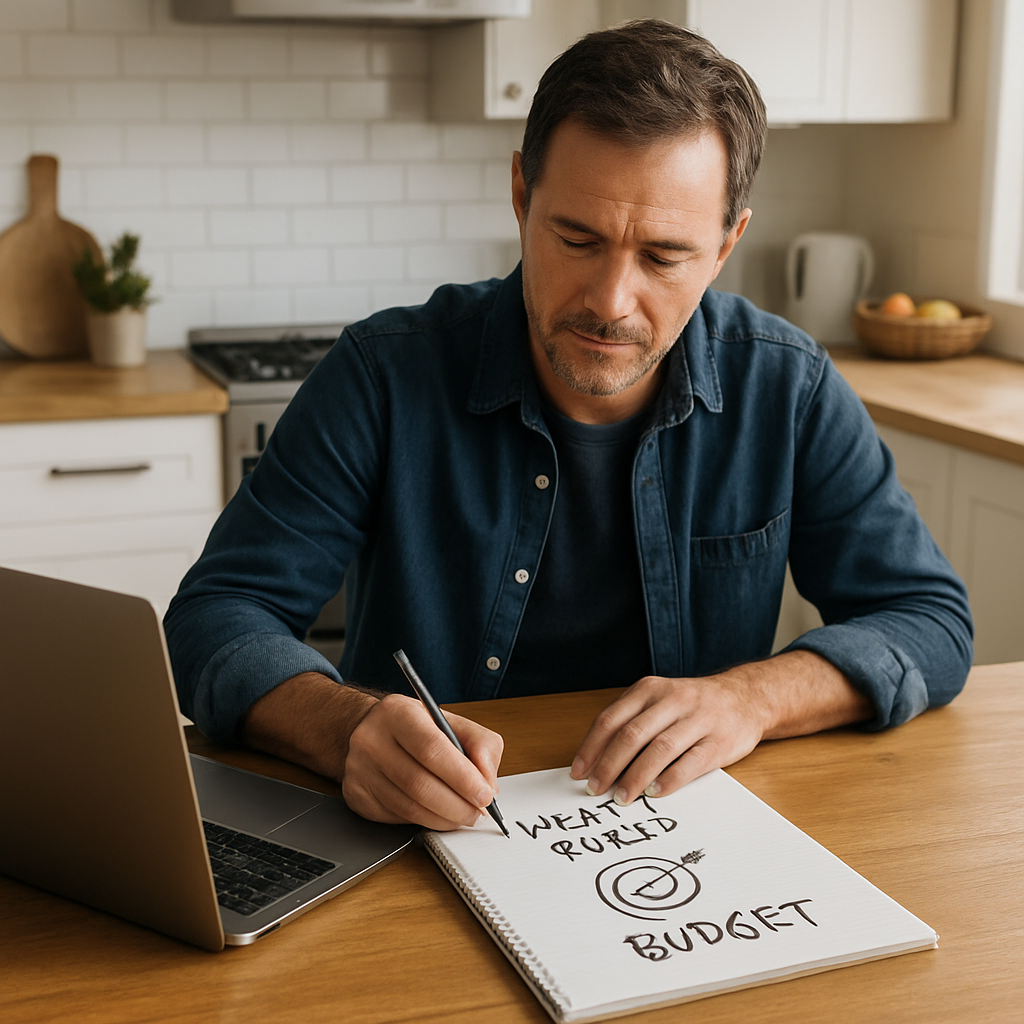
One final tip: keep a small buffer – about 10% of your total – for unexpected tweaks. Even the best‑planned projects encounter a surprise colour change or a last‑minute copy edit.
So, with goals set, budget buckets mapped, and cash flow checked, you’re ready to move on to the next step: picking the right platform and features that align with those goals.
🐣 The Chick
Okay, you’ve nailed down what you want the site to do. Next up is figuring out why the price tag can look so different from project to project. The truth is, website design cost isn’t a single number – it’s a collection of choices, each with its own price impact.
So, what are the main pricing models you’ll run into? Broadly, agencies and freelancers fall into three camps: fixed‑price, hourly rates, and value‑based pricing. Each has its pros, cons, and hidden costs.
Here you get a set amount up front – say A$5,000 for a 10‑page brochure site. It feels safe because you know the total before any work starts. But the downside is you might pay for features you never use, or the provider pads the scope to protect their margin.
Tip: ask for a detailed scope sheet. Anything vague (“responsive design”) should be broken down – how many breakpoints, which devices, and whether custom CSS is included.
When the project is likely to evolve, many designers charge by the hour (A$100‑$150) or day (A$800‑$1,200). This gives you flexibility, but you need a solid project manager on your side to keep the clock in check.
Ask yourself: do you have the bandwidth to review progress weekly? If not, hourly can balloon quickly.
Some agencies look at the revenue you expect to generate and set a price based on a percentage of that future value. It sounds fancy, but it works best when you have solid projections – like a retail brand expecting a 30% sales lift from a new e‑commerce store.
In our experience, value‑based deals often include ongoing optimisation, which can be a win‑win if you’re comfortable with a longer partnership.
Beyond the pricing model, several concrete factors push the cost up or down. Below is a quick cheat‑sheet you can use when you compare quotes.
| Factor | Typical Impact on Cost | What to Watch For |
|---|---|---|
| Design complexity | Low‑to‑high (A$2,000‑$8,000) | Custom illustrations or animations add premium labour. |
| Functionality | Basic forms vs. full e‑commerce (A$1,000‑$12,000) | Each integration (payment gateway, CRM, inventory) is a line item. |
| Content creation | DIY vs. professional copy/photography (A$0‑$3,000) | Low‑cost stock images can look cheap; local photography adds authenticity. |
| Ongoing support | Monthly retainer (A$150‑$500) | Check if updates, security patches, and backups are included. |
Notice how each row ties back to a concrete dollar range. When a quote feels vague, ask the provider to map their numbers onto this table.
Another hidden influencer is the platform you choose. Building on a DIY builder like Wix or Squarespace can look cheap – the upfront fee might be under A$500 – but you’ll often pay extra for custom code, SEO tweaks, and a domain that truly reflects your brand. In contrast, a managed WordPress build (like the ones we deliver at Free Website Chick) bundles hosting, security, and updates into a single monthly fee, which can actually save you money in the long run.
Want a third‑party perspective on typical Australian price brackets? Elephant in the Boardroom breaks down the cost factors and gives you a solid baseline to compare against.
Finally, keep an eye on scope creep. A common scenario: the client asks for an extra landing page, then another custom widget, and before you know it the project has doubled in size. A good way to guard against this is to lock in a change‑request process – any new feature gets a small add‑on estimate and a written approval.
Bottom line: understanding the pricing model, the specific cost drivers, and having a simple comparison table in front of you turns “website design cost” from a mystery into a manageable checklist. Grab a coffee, print this table, and use it next time you sit down with a designer.
Ready to move forward? Take the table, match each factor to your own needs, and you’ll walk away with a quote that feels fair, transparent, and aligned with your business goals.
🐣 The Chick
Okay, you’ve already scoped your goals and you’ve got a rough budget in hand. Now the big fork in the road appears: do you roll with a ready‑made template or do you ask a designer to craft something from scratch? The choice will ripple through your website design cost, your timeline, and even how easy you’ll feel making tweaks later.
Templates are like buying a pre‑painted ute and adding your own logo. You get a solid foundation – layout, navigation, responsive breakpoints – without paying for the labour of building every line of code. Most small‑business owners in Brisbane start here because the upfront spend can sit between A$1,000 and A$3,000, depending on the premium theme and any add‑ons.
Here’s a quick reality check: a coffee shop on the Sunshine Coast used a popular WordPress theme, swapped in their colours, added a booking widget, and was live in three weeks. Their total website design cost landed at about A$2,200, well under their A$5,000 ceiling.
But don’t let the low price fool you. Templates can come with hidden fees – extra plugins for SEO, custom forms, or a licence renewal each year. And if you later want a unique layout that the theme wasn’t built for, you might end up paying a developer to “customise” the template, which can push the cost back up.
When you commission a bespoke design, you’re asking a designer to start with a blank canvas. Every pixel, every interaction is mapped to your brand story. That level of ownership usually means website design cost climbs into the A$6,000‑A$12,000 range for a typical 8‑10 page site in Queensland.
Take the example of a wholesale distributor in Brisbane who needed a product catalogue that pulled live inventory from an ERP system, a custom pricing calculator, and a secure client portal. Because the solution was built from scratch, the site not only matched their exact workflow, it also saved them an estimated A$4,000 a year in licence fees they would have paid for a third‑party plugin.
One downside is the timeline – a bespoke project often takes 6‑10 weeks from brief to launch. But the upside is flexibility: you own the code, you can add features later without fighting against a theme’s constraints, and the site usually scales better as your business grows.
Grab a pen, and walk through these three quick steps:
When you add those numbers up, you’ll see a clearer picture of the real website design cost impact of each approach.
Many Aussie businesses start with a premium template and then commission a designer to tweak the header, hero section, and a few key pages. This “customised template” model often lands around A$4,000‑A$5,500, delivering a semi‑bespoke feel without the full price tag.
If you’re leaning this way, make sure the designer discloses which parts are truly custom and which are still tied to the original theme – transparency keeps your budget honest.
Bottom line: the decision between template and custom isn’t just about price; it’s about how the choice will affect your website design cost over the next few years, how quickly you need to launch, and how much control you want over future upgrades. Take the time to run the checklist, picture the day‑to‑day use of the site, and you’ll land on the approach that feels right for your business.
For a deeper dive into what really separates a custom design from a simple template tweak, have a look at this difference between custom and bespoke design.
🐣 The Chick
So you’ve narrowed down a couple of designers or agencies – now the real fun begins: turning a vague estimate into a crystal‑clear quote you can actually trust. The moment you sit down with a price sheet, ask yourself: “Am I looking at every line‑item, or is this just a headline?” That’s the difference between a surprise bill and a predictable budget.
First, break the quote into bite‑size pieces. Pull out every feature you’ve listed in your goal‑hunt – contact form, booking widget, product catalogue – and ask the provider to map each one to a separate line‑item cost. If they bundle “design” for A$4,000 and then later add “custom animation” for an extra A$1,200 without a separate entry, you’ve just given them a chance to sneak in hidden fees.
Ask for a document that looks a bit like a spreadsheet: column A = feature, column B = description, column C = cost, column D = any recurring fees. When you see “maintenance” listed as “ongoing support”, demand a clear monthly amount. In our experience, clients who get this level of granularity avoid a 20‑30% cost overrun later on.
Second, watch out for licences and subscriptions. A template theme might be cheap upfront, but the licence can be A$50‑$100 per year, and every premium plugin you need could add another A$30‑$60 monthly. Compare that with a fully custom build where the code belongs to you – you won’t be paying a theme renewal every year.
Emma ran a boutique café and got two quotes. One agency said A$3,500 total, but their scope lumped “theme licence” into the design fee with no follow‑up cost disclosed. The other agency quoted A$4,200, breaking everything down, including a A$80 yearly licence. Emma chose the transparent quote – a few hundred extra up‑front, but she saved A$800 over the next two years because the first provider later charged A$150 for a licence she hadn’t anticipated.
Third, negotiate the change‑request process before you sign anything. Projects inevitably evolve – maybe you’ll add a loyalty card integration after the launch. A good provider will have a simple form: “New feature? Add A$X per hour or flat fee.” Anything vague (“we’ll discuss later”) is a red flag.
Create a tiny table: small tweak (e.g., colour change) = A$50, medium tweak (new page) = A$200, large tweak (custom API) = hourly rate. Put this in the contract. When you have a clear price for each possible change, you’ll never feel blindsided.
Fourth, check ownership of assets. If the quote says you’ll get a “custom design”, ask: “Do I own the source files, the CSS, the graphics?” If the answer is “no, we keep the rights”, you’re essentially paying for a licence to use someone else’s work – and that can inflate future costs when you need a tweak.
Finally, run a quick sanity check against the broader market. A recent Australian industry survey shows the median cost for a 10‑page custom site sits around A$7,500. If a quote is dramatically lower, ask why – they could be cutting corners, using low‑cost freelancers, or planning to upsell later.
Need a deeper dive on how to map every feature to a line‑item? Our Practical website design for small business guide walks you through the exact spreadsheet template we use with our clients.
Here’s a quick checklist to run through before you sign:
When you tick all those boxes, you’ve turned a vague quote into a reliable roadmap for your website design cost. And that means you can focus on the fun part – watching your new site go live – instead of chasing down surprise invoices.
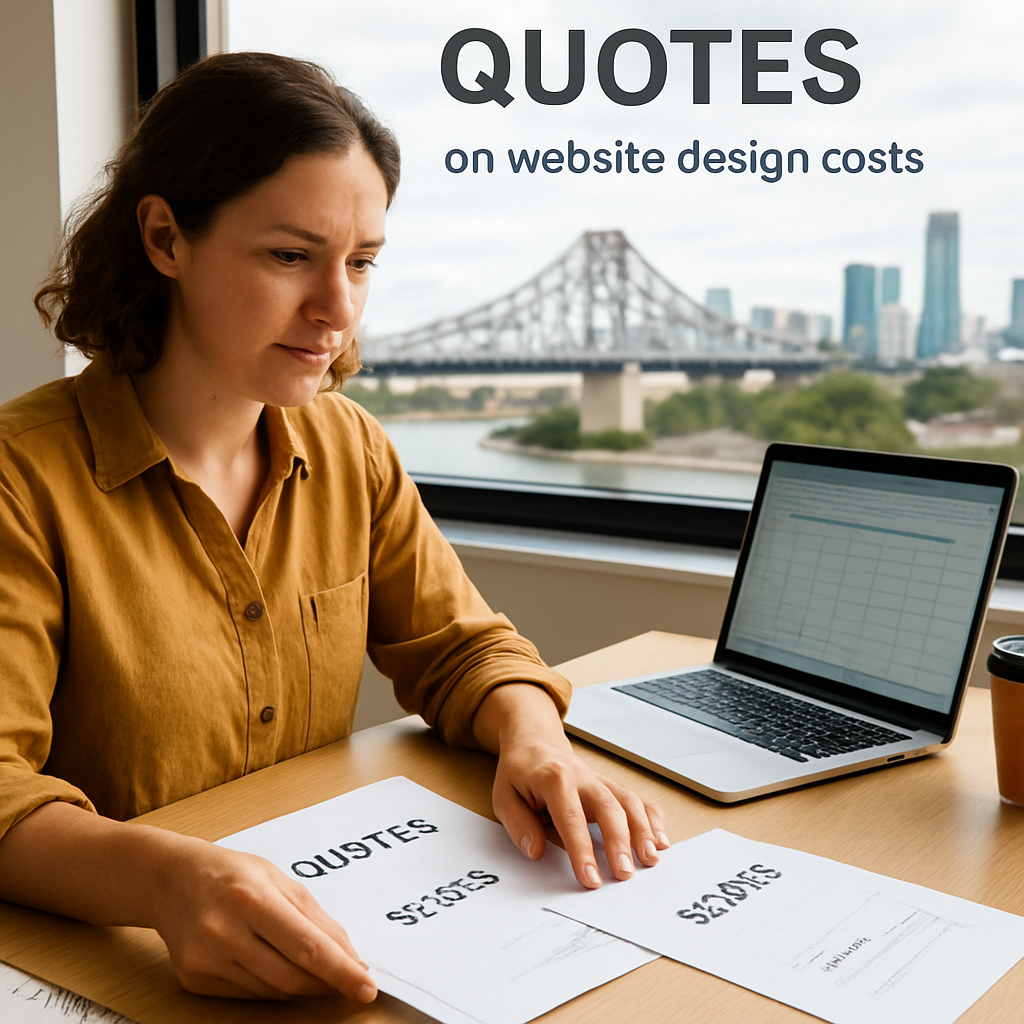
Take the next step: sit down with your shortlist, ask for the detailed scope sheet, and walk away with a quote that feels as solid as a ute’s chassis.
🐣 The Chick
Alright, you’ve got the upfront website design cost nailed down – now what about the stuff that drifts in month after month? That’s where the real budget‑stress can sneak up, especially if you’re running a small business in Brisbane or the wider Queensland area.
First thing’s first: write a tiny spreadsheet and list every cost that isn’t a one‑off payment. Here’s a quick cheat‑sheet we use with our clients:
Does that look like a lot? Maybe. But when you see each line item, you can decide where to trim or where to invest a bit more.
Now, let’s talk about getting a return. The classic ROI formula is simple: (Gain from Investment – Cost of Investment) ÷ Cost of Investment × 100. The tricky bit is quantifying the “gain” for a website.
One solid approach is to pick a UX metric that matters to you – for example, the number of contact‑form submissions per month, or the average time a visitor spends on a product page. Then translate that metric into a monetary value. The Nielsen Norman Group breaks this down nicely in their guide on calculating design ROI (read more here). They suggest you ask yourself: “What does my business care about? Revenue, cost‑savings, or both?”
Let’s say you run a local service business and you notice that before the redesign you were getting 30 leads a month. After a smoother booking form, leads jump to 45. If each lead is worth roughly A$200 in potential revenue, that’s an extra A$3,000 a month – A$36,000 a year.
Now subtract the ongoing costs you listed above. Suppose hosting, plugins and maintenance total A$800 per month (A$9,600 a year). Your net gain is A$26,400, giving you an ROI of about 275%.
Sounds a bit math‑y, but you only need to run the numbers once and then you’ve got a clear business case for budgeting future upgrades.
What if you skip the maintenance retainer? You might save A$200 a month, but a single security breach could cost you thousands in lost sales and reputation damage. Think of it like skipping your car’s regular service – you save a few bucks now, but you risk a breakdown later.
And here’s a tiny story from a Brisbane café we helped: they ignored the monthly plugin updates, and a “checkout not working” bug popped up during the holiday rush. The loss was roughly A$1,200 in missed orders, which dwarfed the A$300 they could have paid for a simple upkeep plan.
Having answers to those questions means you won’t be surprised by a hidden charge when the next invoice lands.
When you stack your upfront website design cost next to the ongoing line items, you get a full picture of the total cost of ownership. Then, run the ROI worksheet to see whether that total translates into real profit for your business.
If the numbers look good, great – you’ve got a green light to move forward. If not, you now know exactly where to cut back (maybe a premium plugin you never use) or where to add value (perhaps a better SEO tool that drives more traffic).
Bottom line: planning ongoing costs isn’t a chore; it’s the safety net that lets you enjoy your new site without worrying about surprise invoices down the track.

It’s not just the look‑and‑feel – you’re paying for the complexity of features, the level of custom graphics, and how many integrations you need (like a booking system or payment gateway). Add in the choice of platform, the amount of copywriting, and whether you want ongoing support, and the price moves up or down accordingly.
In our experience, a clean template with a few plugins sits on the lower end, while a fully bespoke build with custom code can push the website design cost into the higher four‑figure range.
For a modest brochure‑style site – about five to ten pages, a contact form and basic SEO – you’ll usually see quotes between A$3,500 and A$6,500. If you need e‑commerce, inventory syncing or a tailored booking flow, the range often jumps to A$8,000–A$12,000.
Those figures include design, development and a starter month of managed hosting, so you’re not blindsided by a hidden fee later on.
Absolutely. Even after the build is done, you’ll typically have a domain renewal (around A$30‑$40 per year), managed WordPress hosting (A$30‑$45 a month), and any premium plugin licences (A$10‑$50 each month). A monthly maintenance retainer – usually A$200‑$500 – covers security patches, backups and small tweaks.
Factor those line items into your budget now; otherwise the first surprise invoice can feel like a nasty arvo surprise.
Yes – start with a reputable premium theme and only add plugins you truly need. Ask the designer to customise the header and a few key pages instead of rebuilding everything from scratch. That hybrid approach often lands around A$4,000‑A$5,500 and still gives you a professional look.
Also, write as much of the copy yourself and source stock photos that match your brand tone. You’ll save a few thousand without compromising the site’s performance.
Ownership should be spelled out in the contract. If you’re paying for a custom build, you should receive the full source files – HTML, CSS, JavaScript and any graphics – and have the right to move the site to another host. Without that clause, you might end up paying a licence fee every year.
Ask the provider to confirm you’ll get a clean handover package; it protects you if you decide to switch agencies down the track.
For a small business, a 4‑hour response window on critical issues (like a site going down or a security breach) is a good benchmark. Non‑critical tickets – like a colour tweak – can comfortably sit in a 24‑hour turnaround.
When you’re comparing quotes, make sure the support SLA is written into the agreement so you know exactly what to expect when something urgent pops up.
When you pull all the pieces together, the real picture of website design cost becomes a lot less scary.
So, what’s the next step for you? Grab that simple checklist we walked through, plug in your goals, and see which line‑items line up with your budget.
Remember, a clear scope protects you from surprise fees, and owning the code means you can move on if you ever need a new partner. A modest maintenance retainer – think A$200‑$500 a month – keeps the site safe without breaking the bank.
And don’t forget the ROI side of things. If a smoother booking form turns 15 extra enquiries into A$3,000 a month, the upfront spend pays for itself in weeks.
Bottom line: treat website design cost like any other business expense – plan it, track it, and measure the return. With a solid budget, a realistic timeline, and a trusted hand‑over package, you’ll launch a site that works for your Brisbane or Queensland business, not against it.
Ready to put the plan into action? Take the spreadsheet, set a launch date, and let the next chapter of your online growth begin.
Remember, the biggest mistake is waiting for the perfect moment – the market moves faster than you think. Keep iterating, keep listening, and your website will keep paying you back.

